เว็บไซต์ JIB สำหรับการทดสอบ
JIB Store




Brand: Asus
Free shipping on orders from 500.-
every item in the cart must ship free
Temporarily out of stock
Tap “Notify me when in stock” below and we'll tell you as soon as it's back in stock
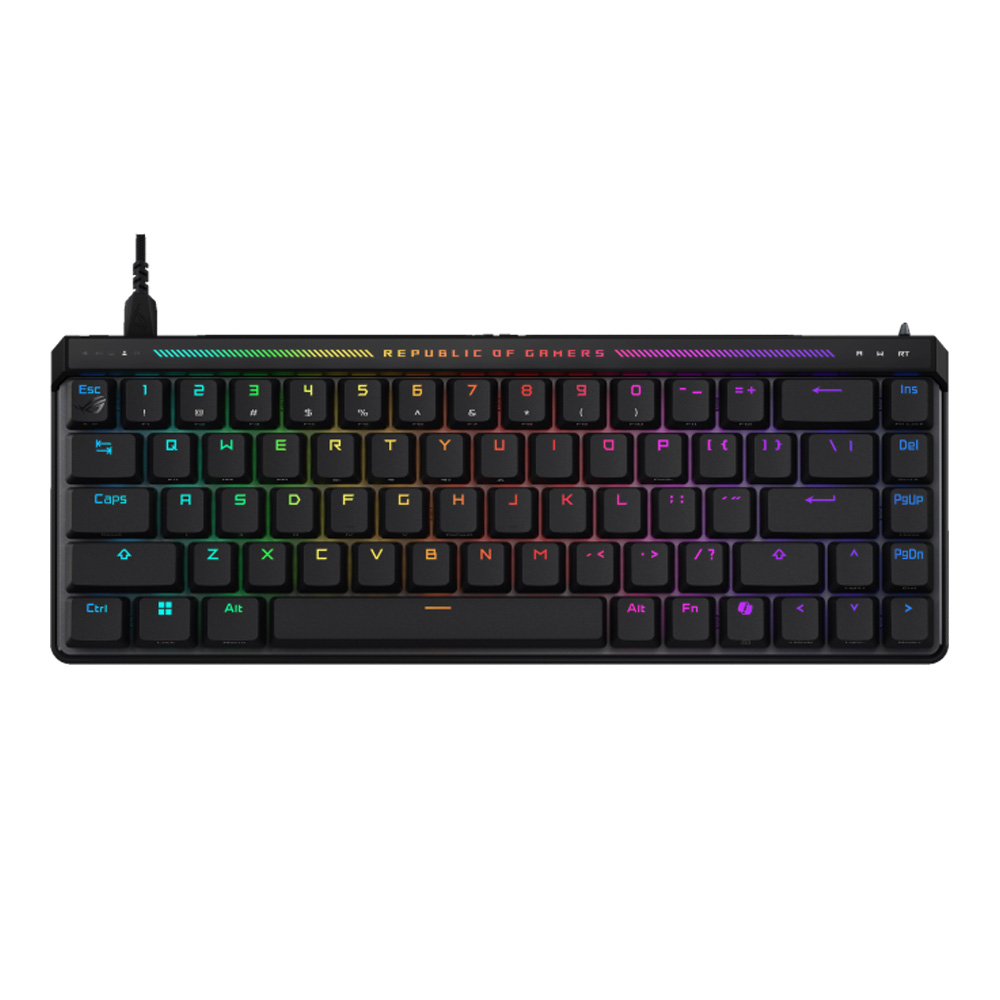
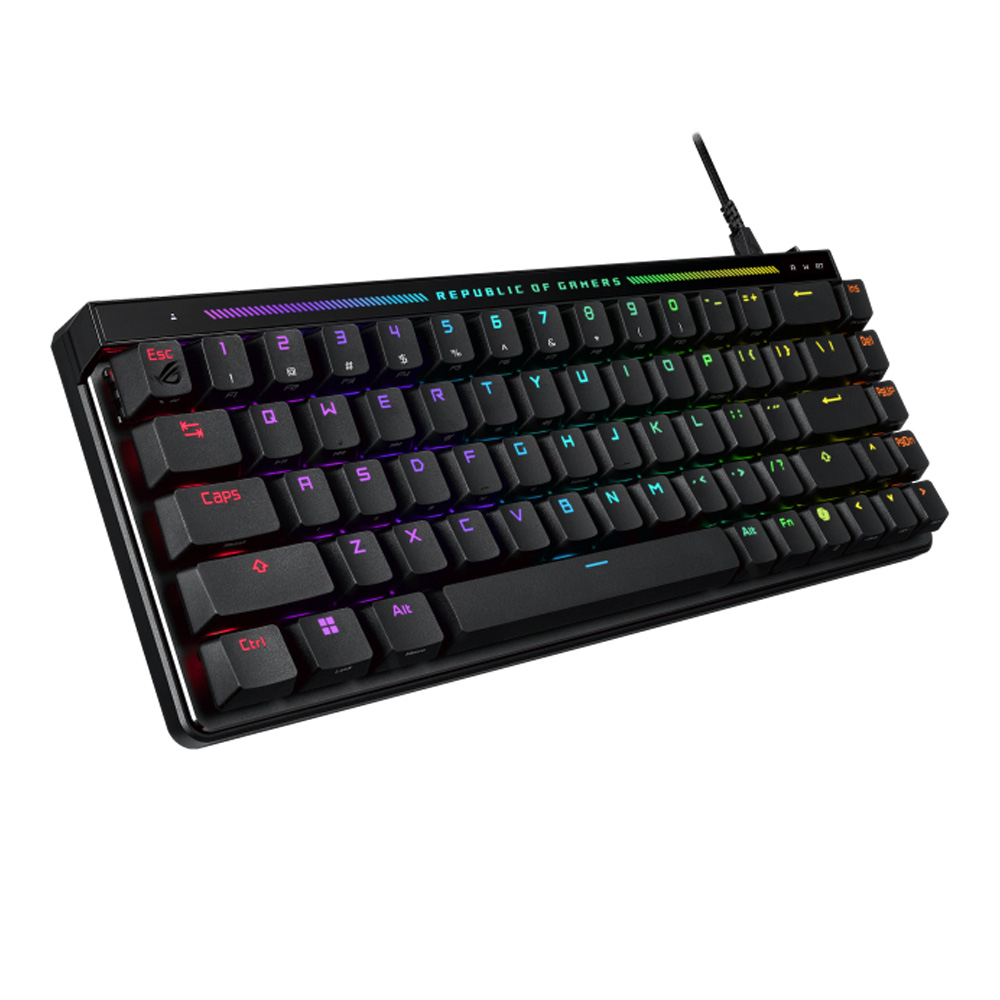
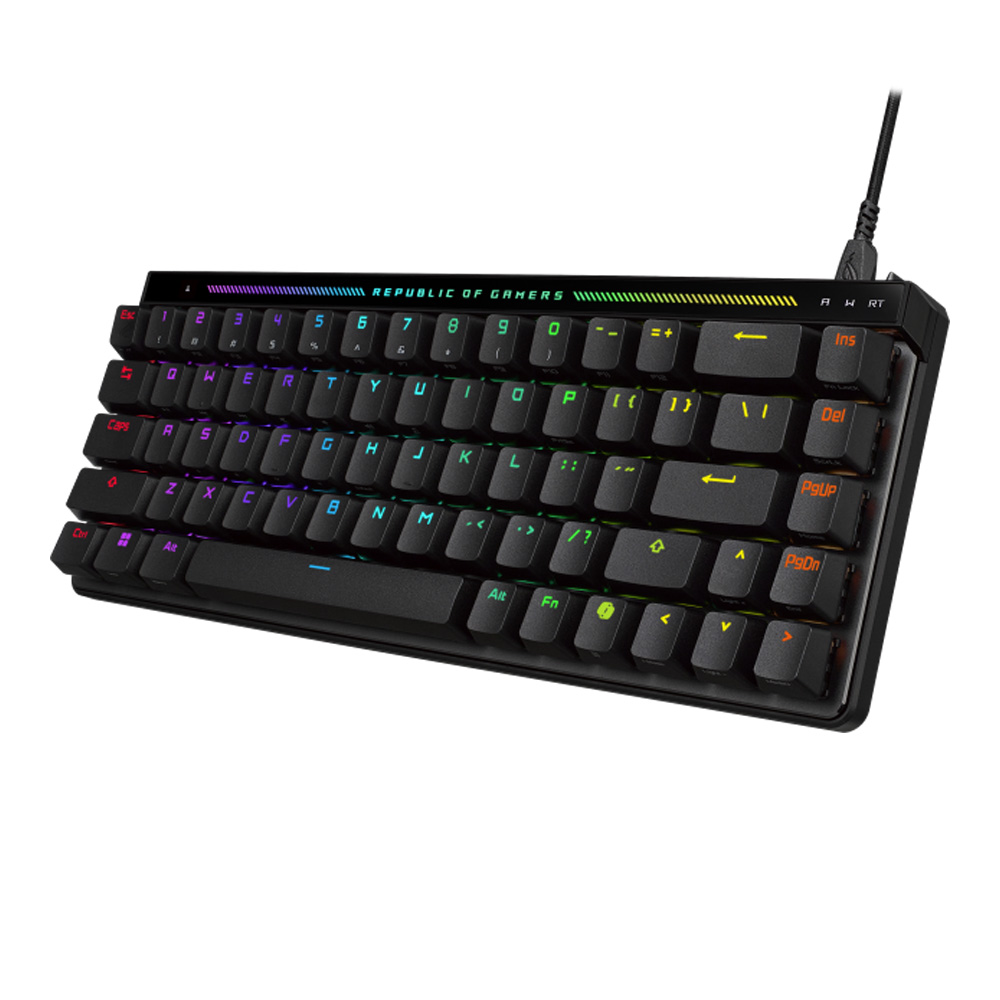
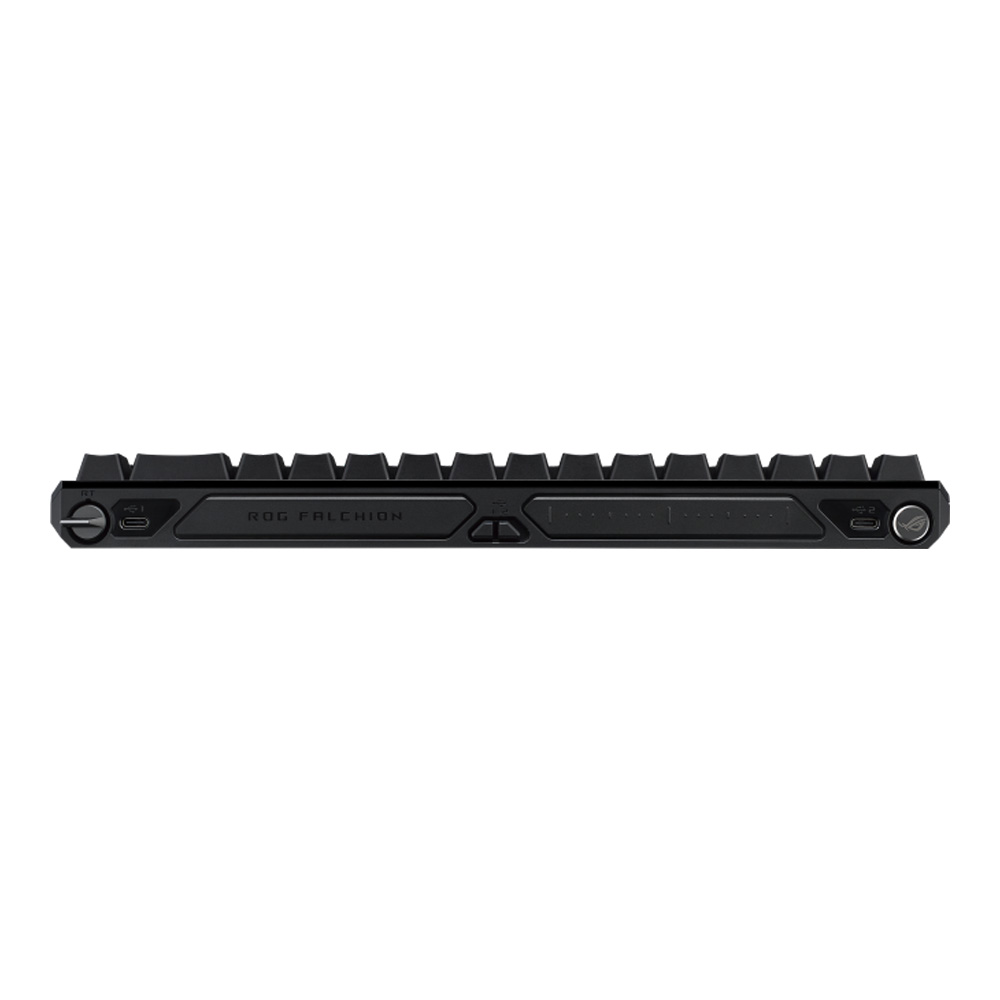
ROG Falchion Ace HFX 65% analog gaming keyboard with pre-lubed ROG HFX Magnetic Switches, Rapid Trigger toggle, Speed Tap Mode, interactive touch panel, 8000 Hz polling rate, five-layer dampening and silicone gasket mount, dual Type-C ports, three tilt angles, and cover case
Every spec for this product
KEYBOARD (คีย์บอร์ด) ASUS ROG FALCHION ACE HFX ASUS ROG HFX MAGNETIC SWITCH AURA SYNC RGB EN - BLACK (M605)
Overview, highlights and how to use it
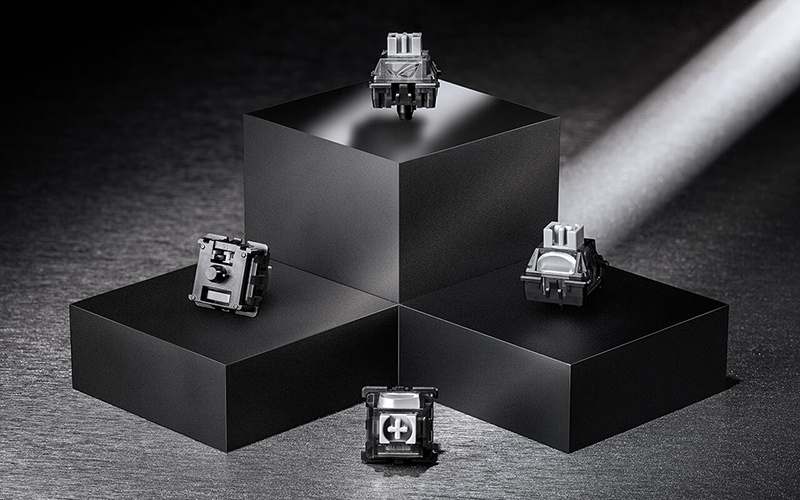
ROG HFX Magnetic Switches
ROG’s latest pre-lubed magnetic switches are engineered for a solid feel with lightning-fast, ultraprecise performance and a lifespan of 100 million keypresses.
- 4.0 mm Travel Distance
- 40 gf Initial Force
- 55 gf Total Force
*Please keep ROG Falchion Ace HFX away from magnetic objects when in use. If any issues arise, remove the magnetic items and reconnect the keyboard.
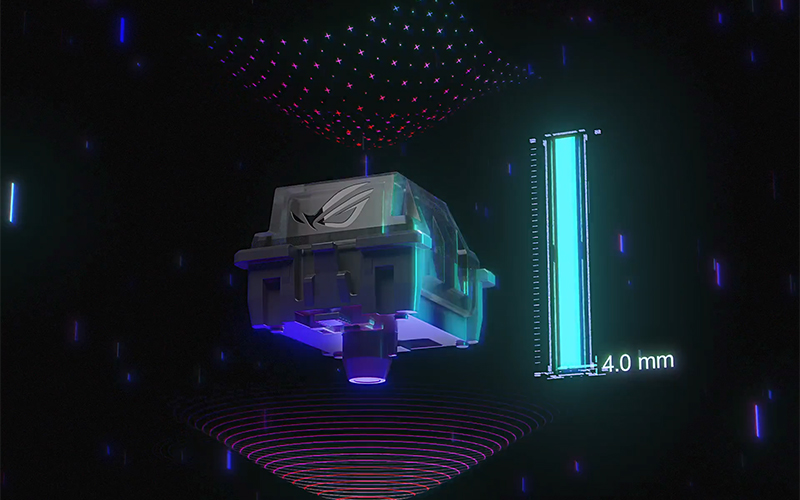
Customizable Actuation Point
The ROG HFX Magnetic Switches offer an adjustable actuation range from 0.1 to 4.0 mm to cater to all typing preferences. Tweaking the actuation point can be done via the multi-function button and touch panel, or through Armoury Crate software.
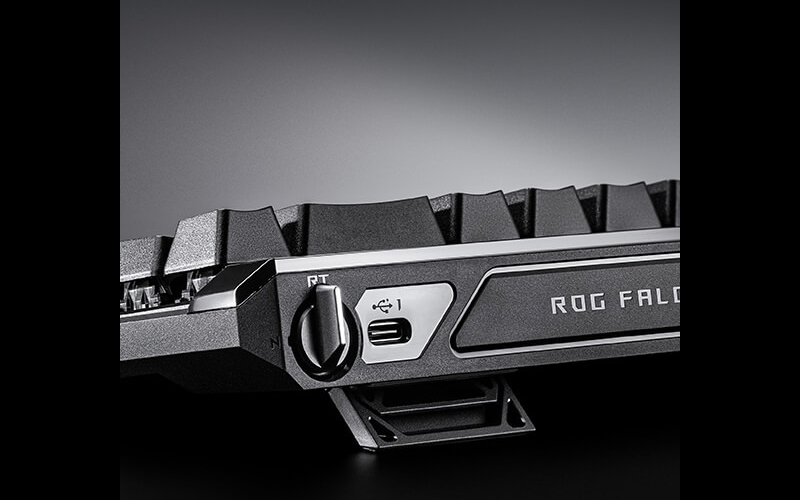
Rapid Trigger
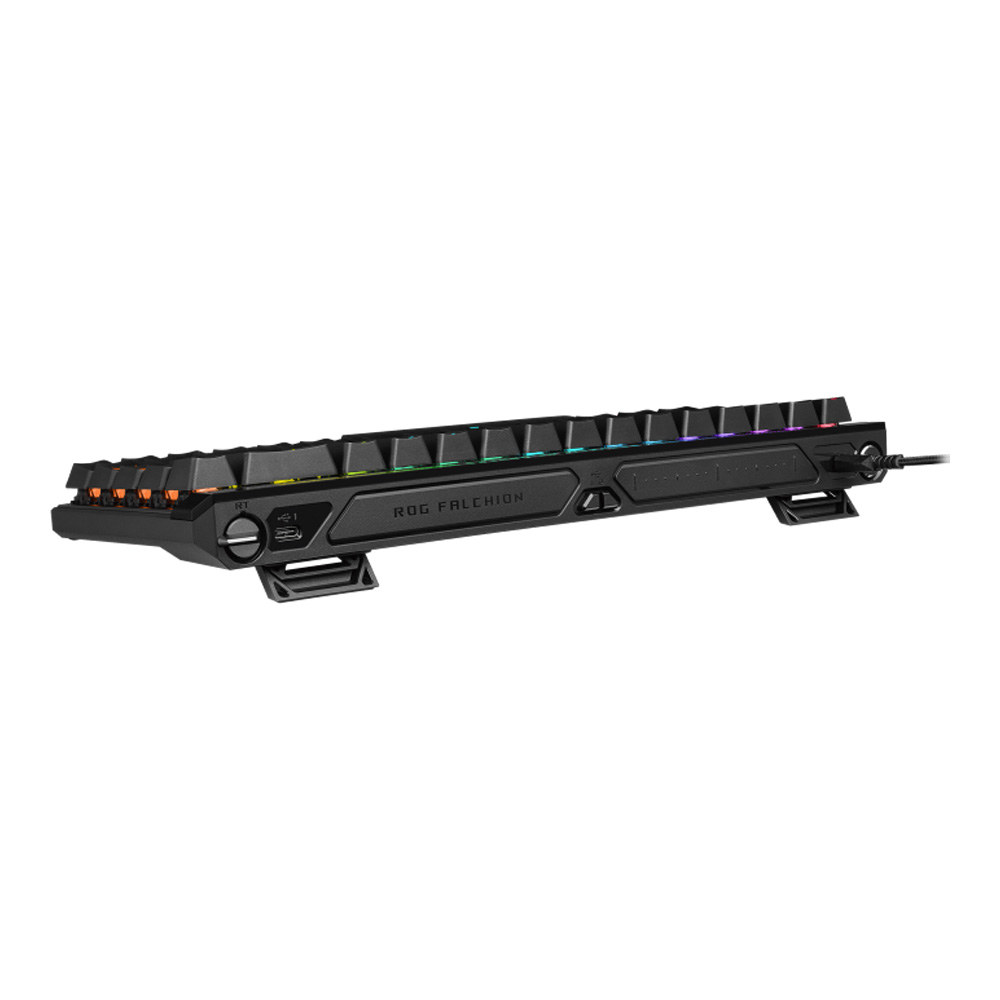
A dedicated toggle switch on the top-right rear panel of the ROG Falchion Ace HFX activates the Rapid Trigger feature for the fastest typing response and key repeat rate. By default, only WASD keys are enabled when this feature is activated. Rapid Trigger for other keys can be enabled via Armoury Crate.
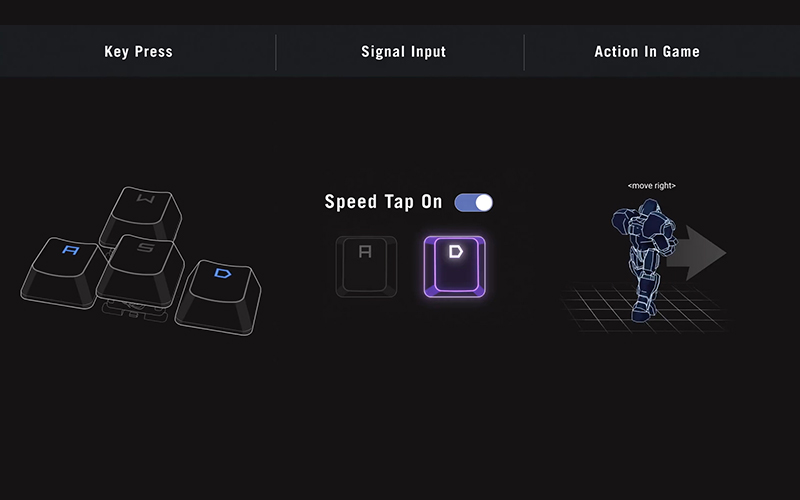
Speed Tap Mode
In Speed Tap (SOCD*) mode, as soon as the system detects the input of two keys (e.g. A and D), it will prioritize the last input and automatically release the previous one. This means that in FPS games, pressing two opposing directional keys will no longer cause the character to stop moving. Instead, directional changes can now be done immediately without releasing the previous key, eliminating any time gap for counter-strafing and ensuring precise aim every time.
*Speed Tap feature is turned off by default. Simultaneously press Fn + Tab keys to activate.
*SOCD - Simultaneous Opposing Cardinal Directions
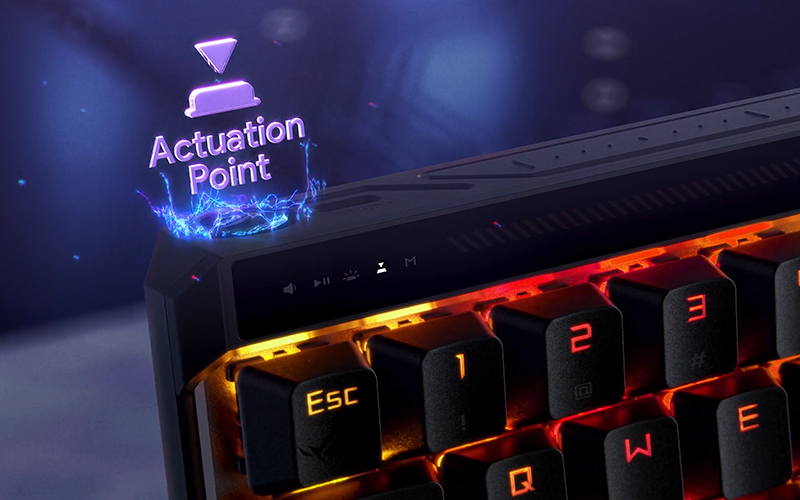
Intuitive Controls
A multi-function button and an interactive touch panel lets you tweak a variety of settings, including volume, media playback, keyboard lighting, and actuation point, as well as customizing commands. Additionally, the LED lighting bar on top of the keyboard displays dynamic lighting effects to reflect adjustments in real-time.
รูปภาพทั้งหมดมีวัตถุประสงค์เพื่อเป็นภาพประกอบเท่านั้น / All images are for illustrative purposes only.
All images are for illustrative purposes only.
The model you're viewing against close alternatives JIB picked
Must-have products
Extra off
10%

test 081026
Min. spend ฿3,000
Valid until 31 ต.ค. 2026