

Quantity
In stock 3 pcs
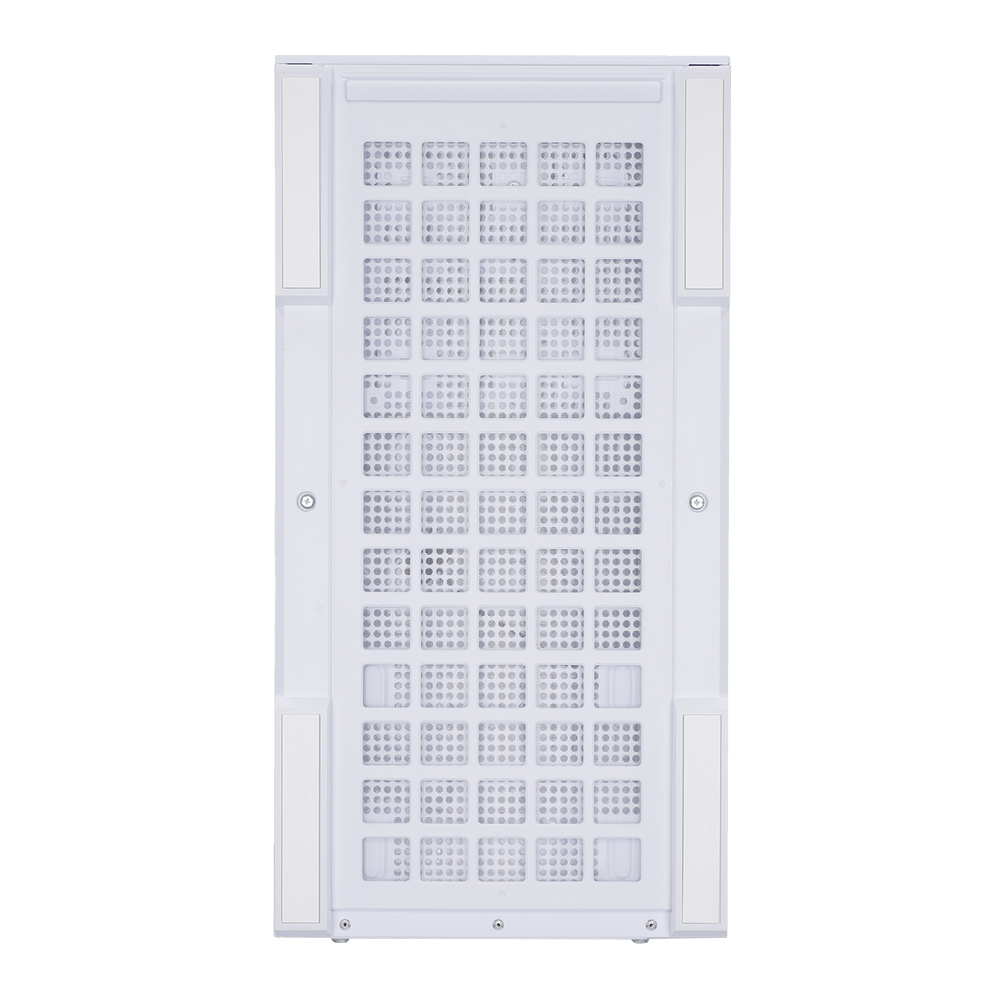

Brand: Zalman
3,590.-
MB Support : ATX, Micro-ATX, Mini-DTX, Mini-ITX
Every spec for this product
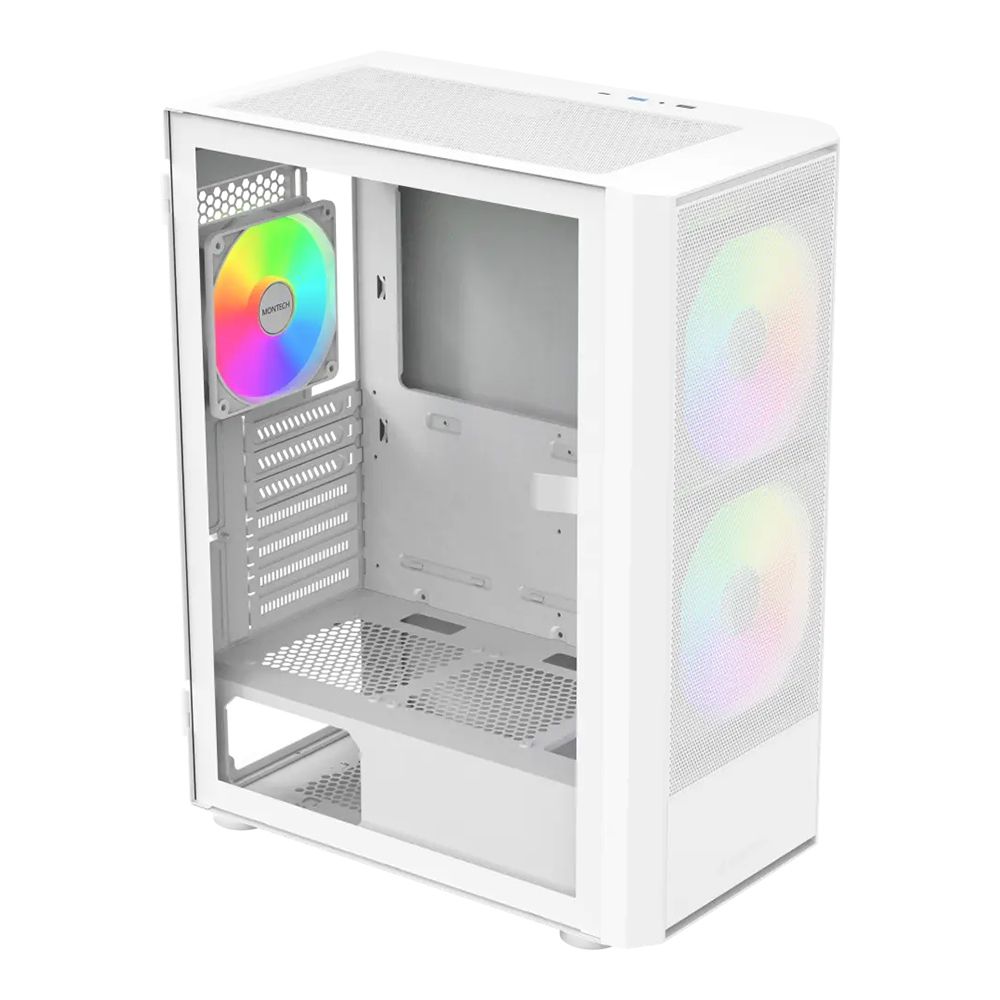
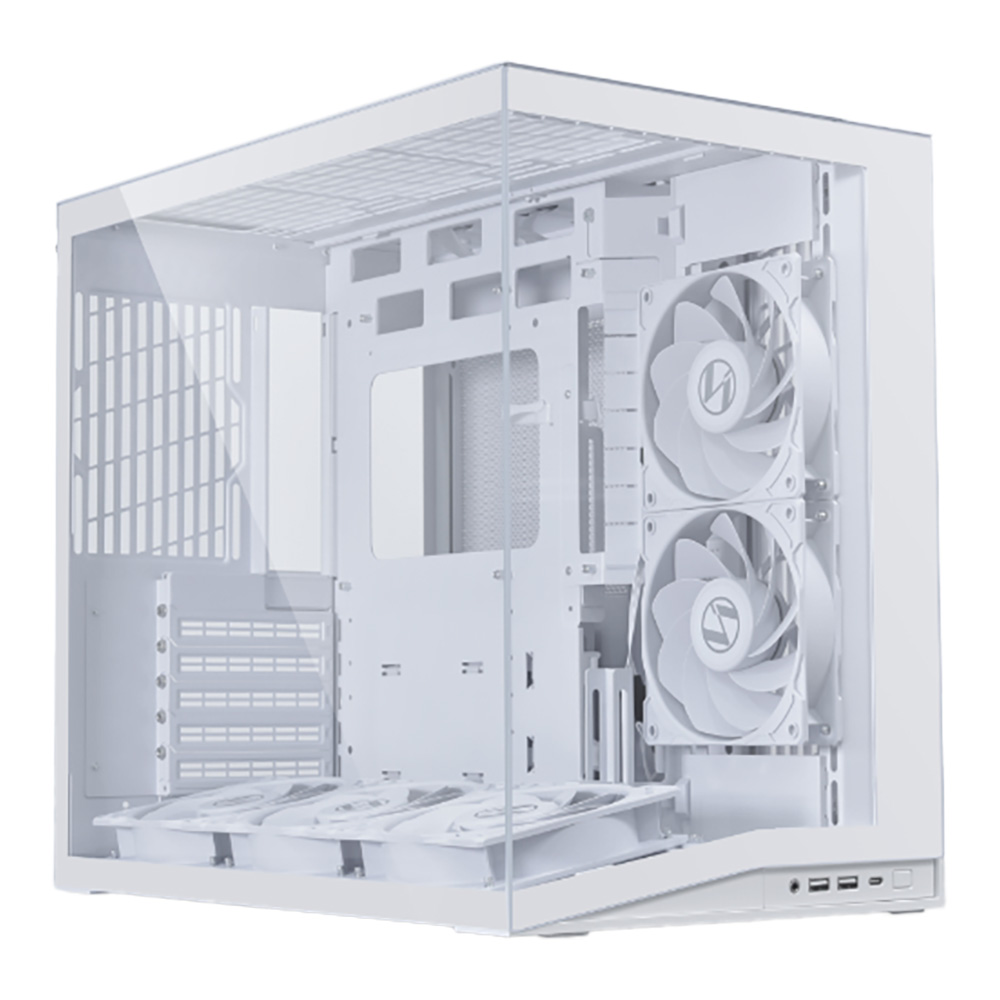
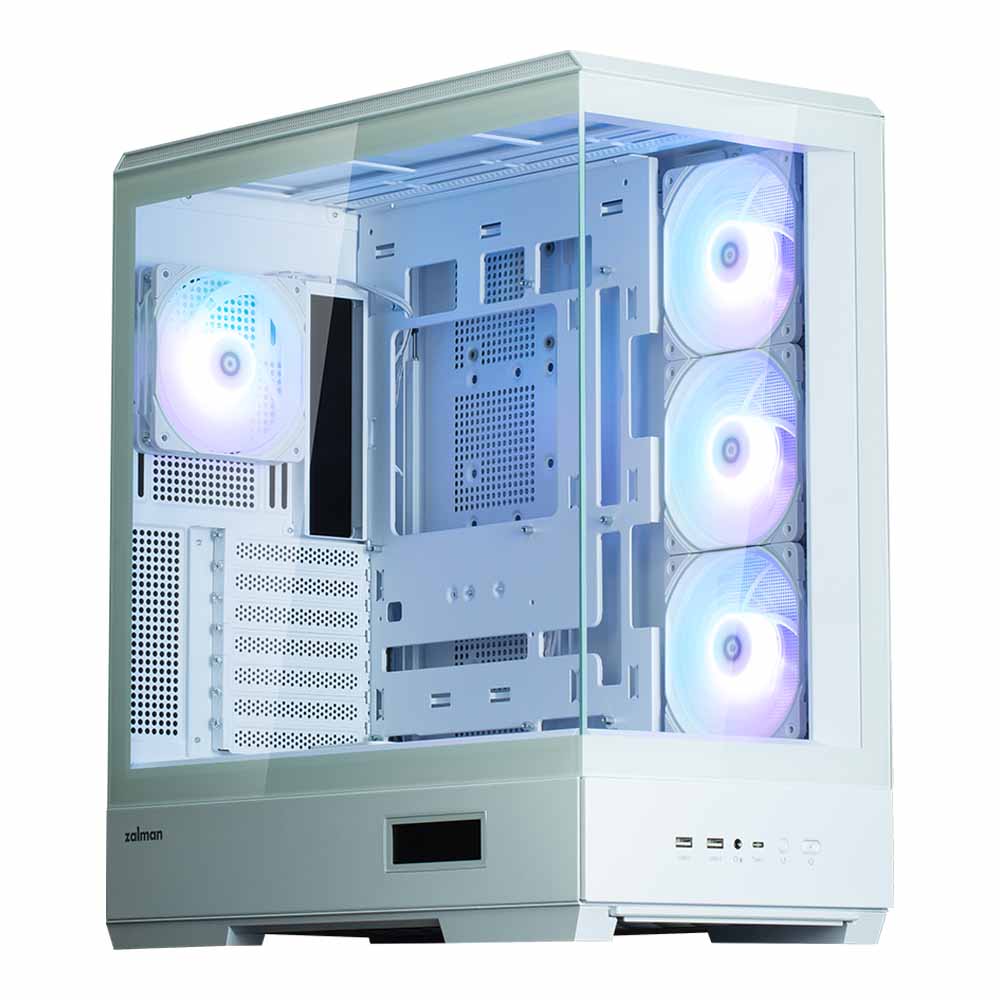
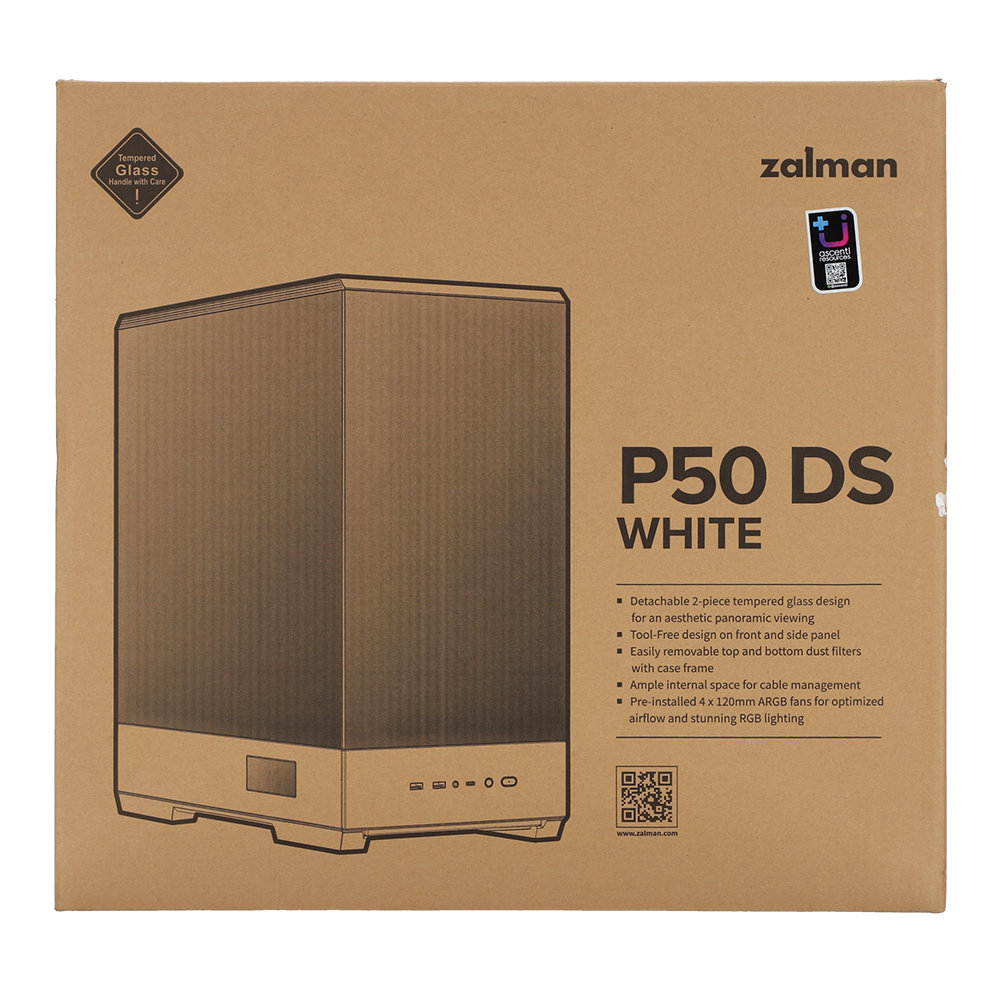
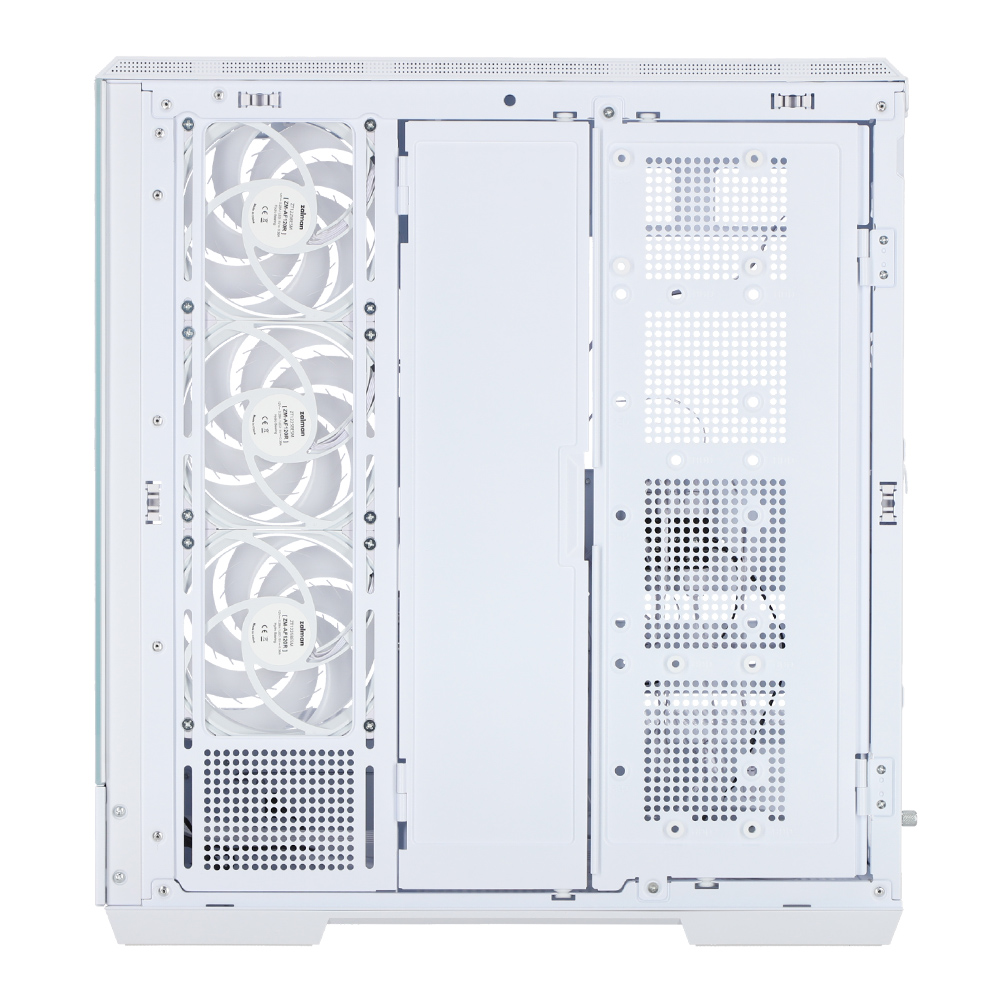
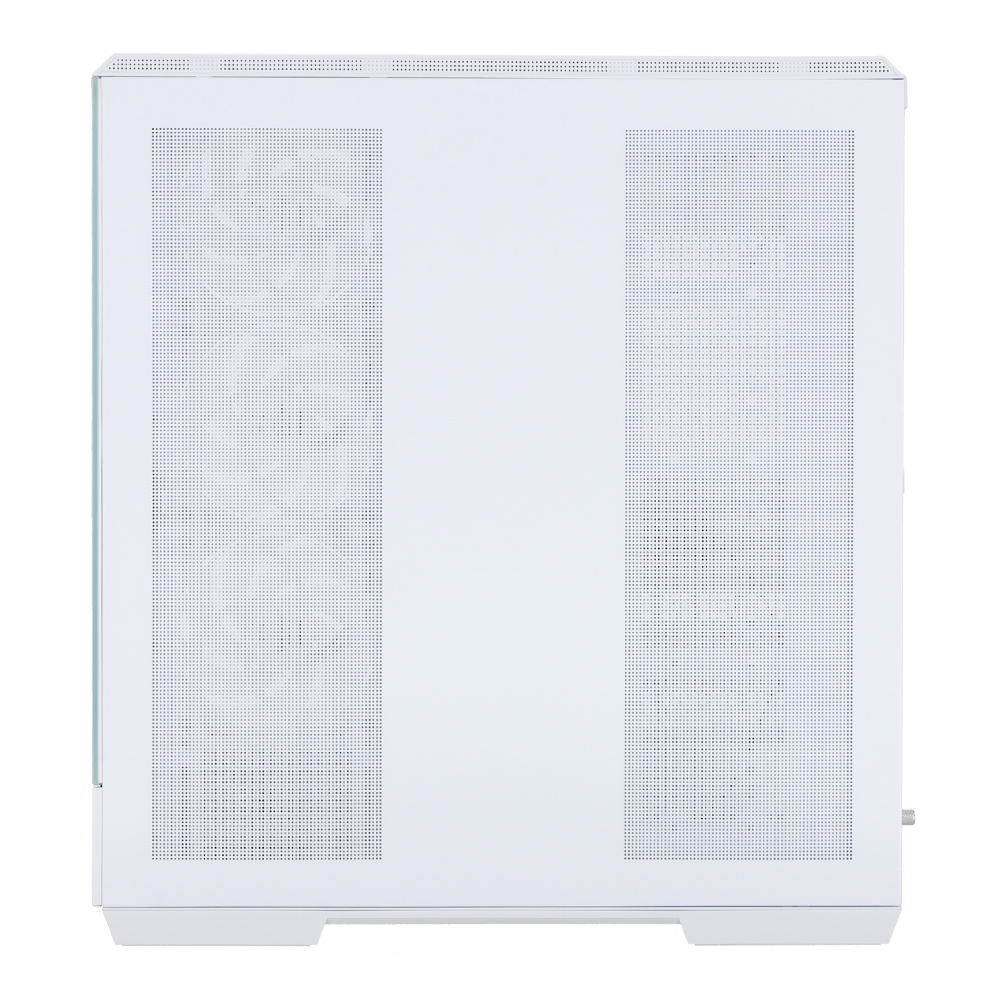
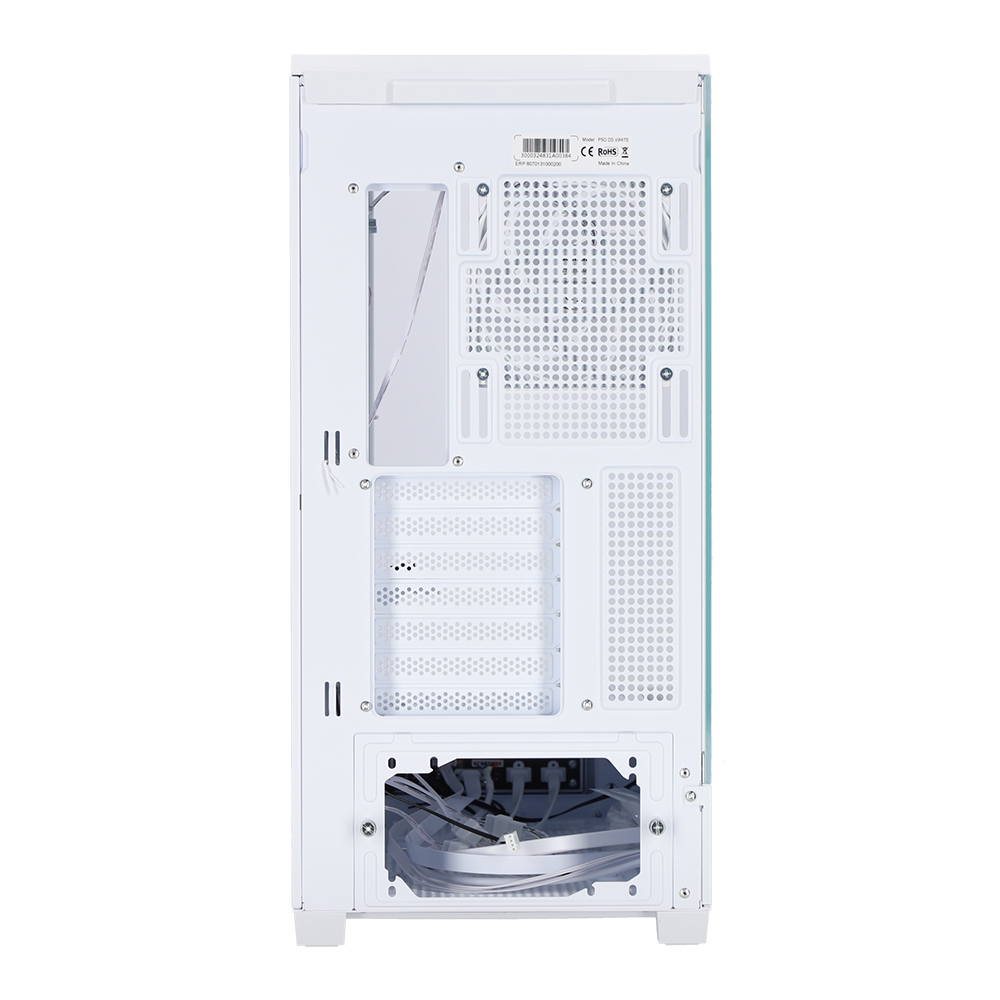
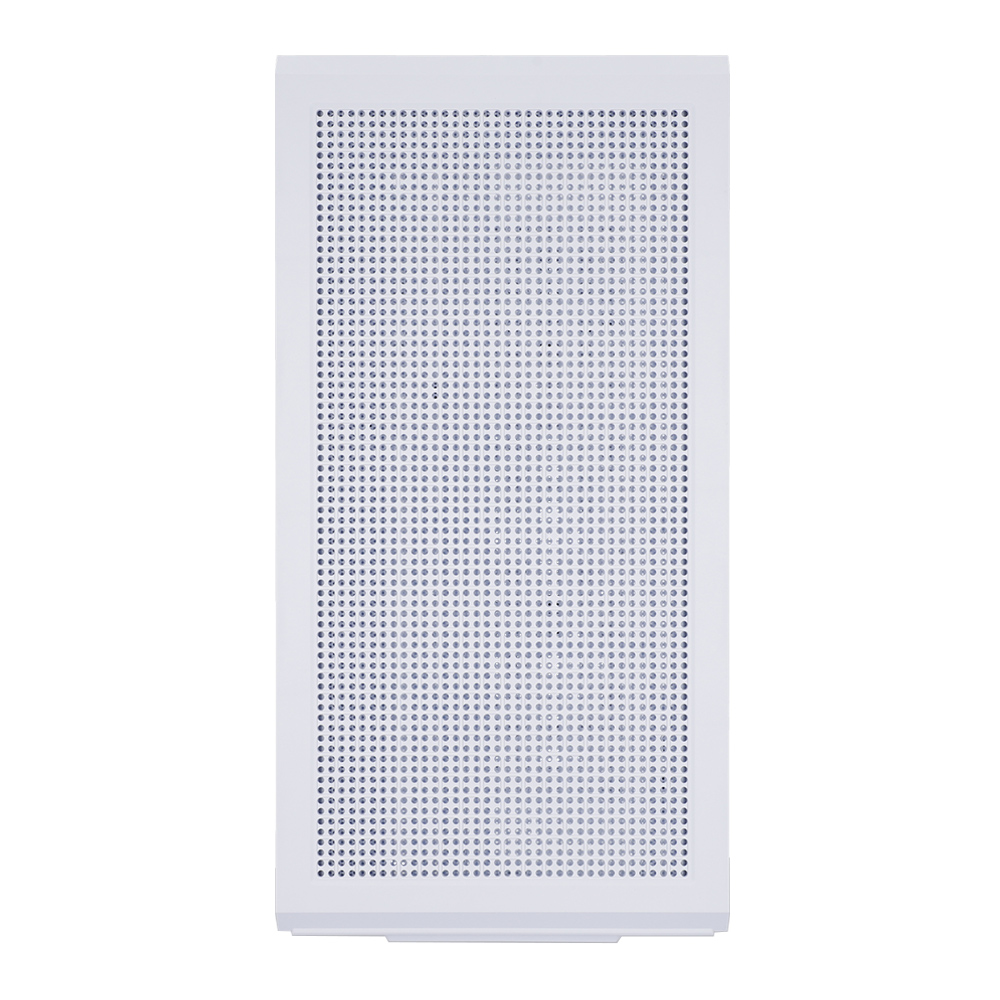
CASE (เคส) ZALMAN P50 DS (WHITE) (ATX)
Overview, highlights and how to use it
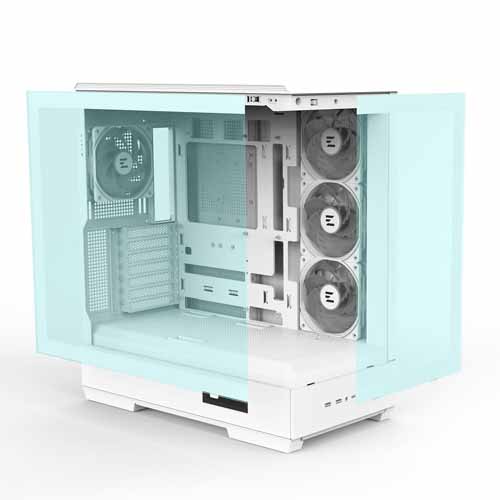
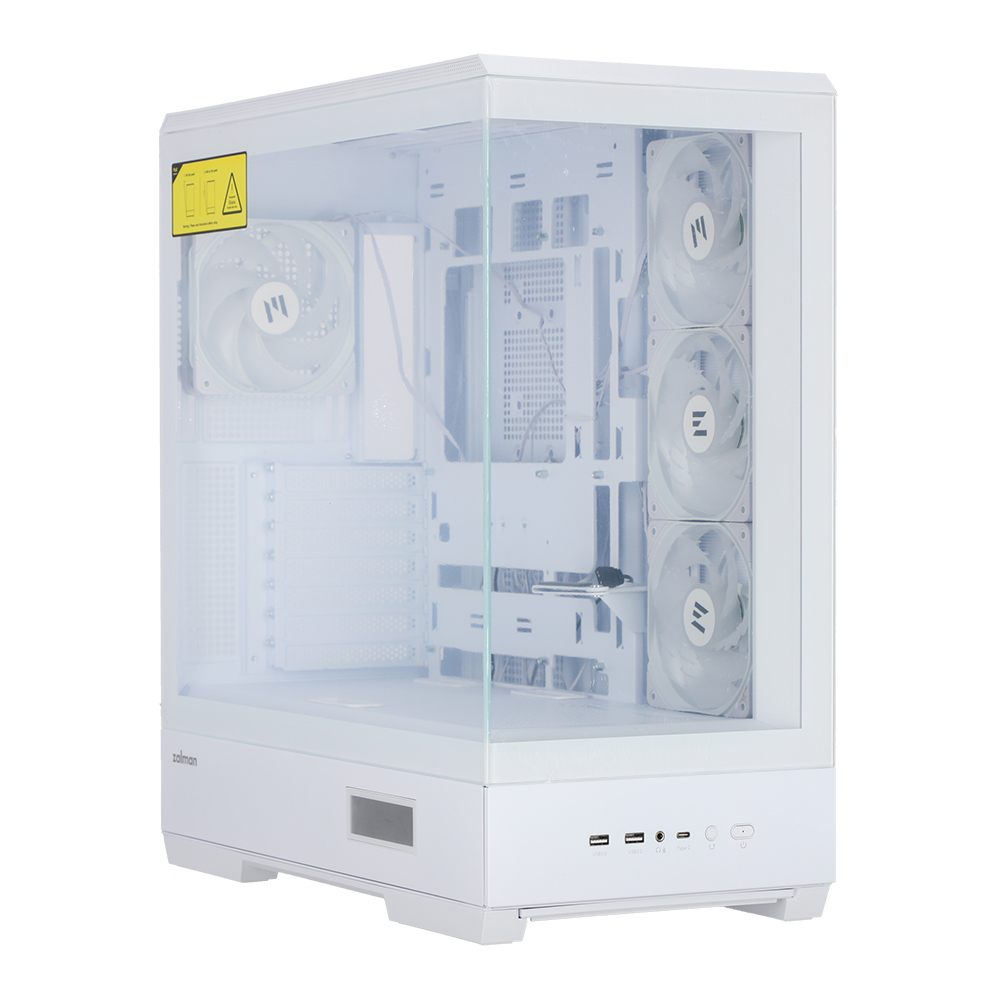
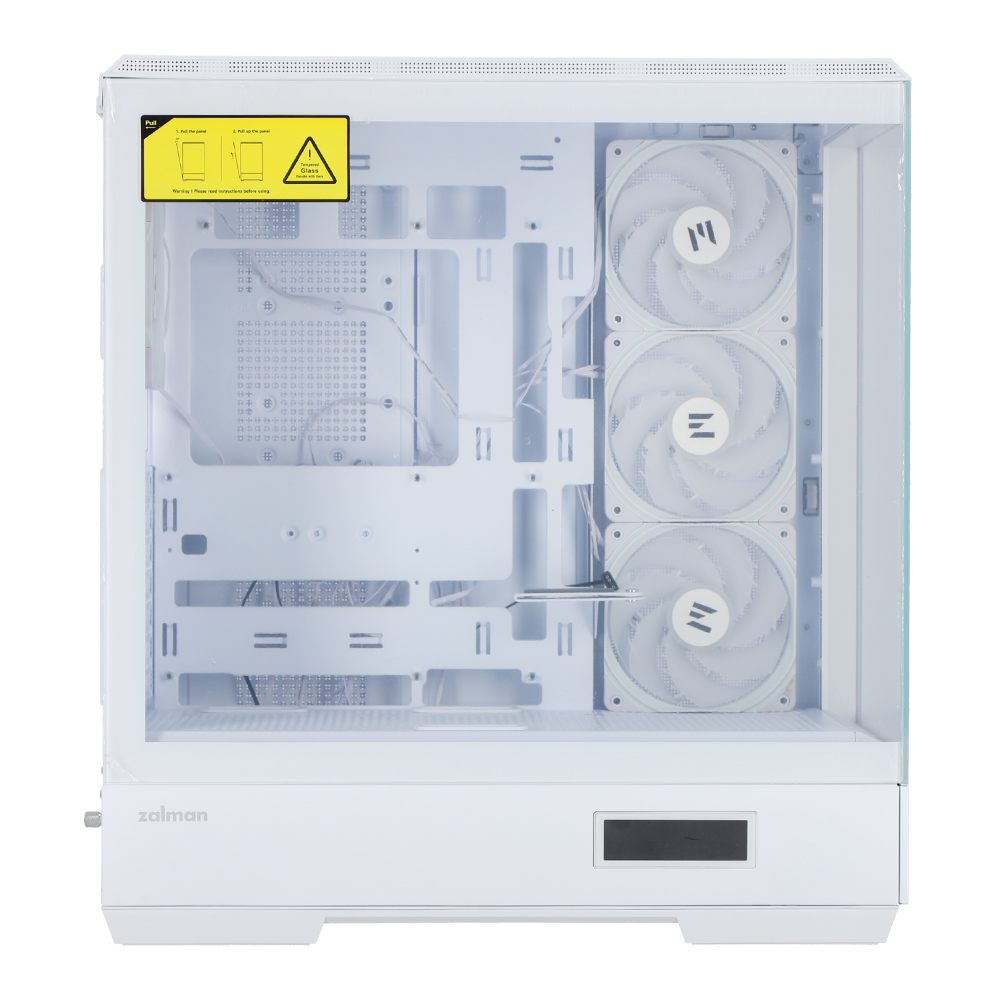
Panoramic View with Seamless Tempered Glasses
Two frameless front and side tempered glasses showing unique PC build.
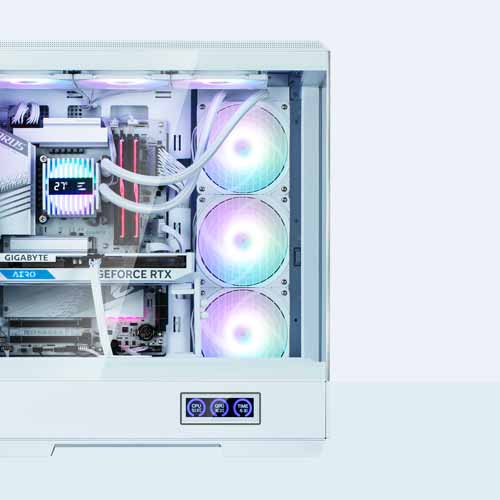
Real-Time Information Display Screen
The built-in screen displays the system’s CPU temperature, GPU temperature and time in real time.
Display : CPU Temp. / GPU Temp. / Time
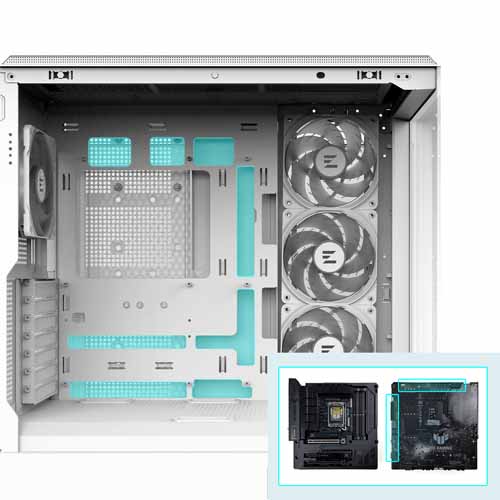
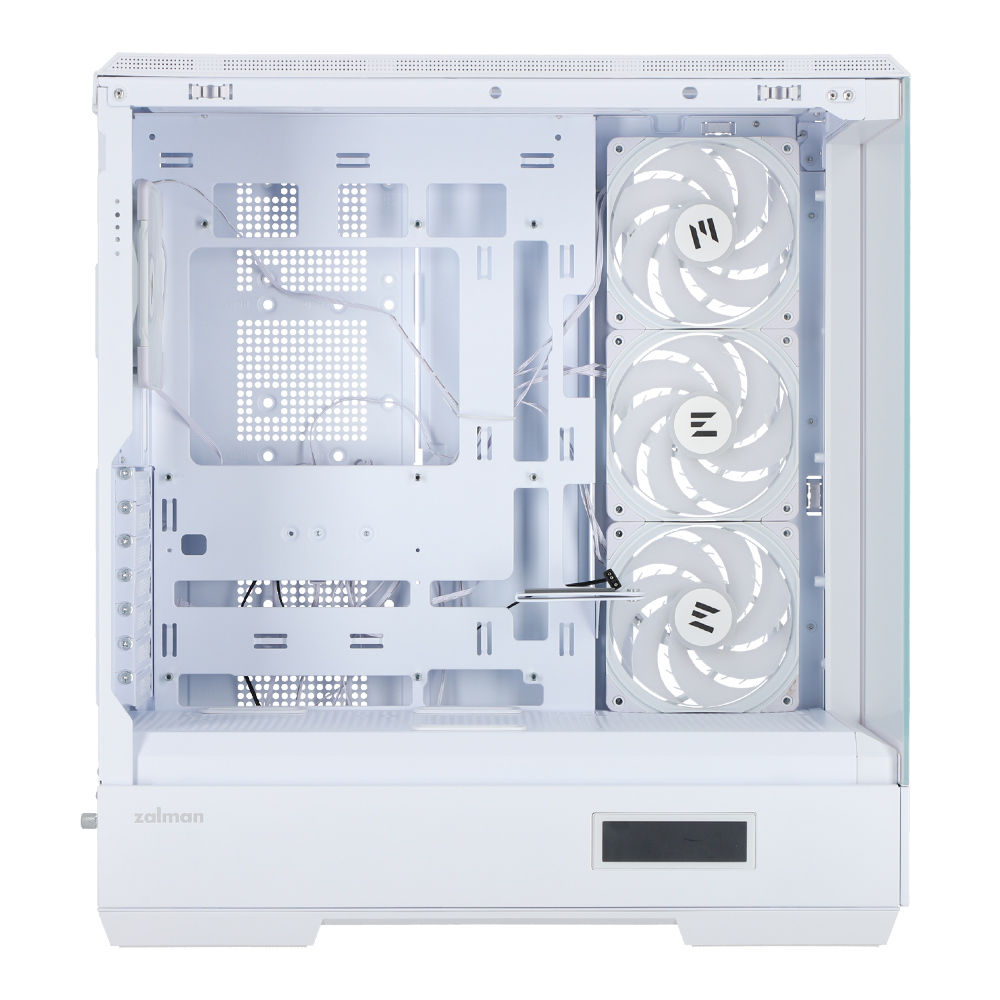
Reverse Layout Motherboard Support
All connectors on the underside of the motherboard for clean cable management and a minimalist build appearance. P50 DS is perfect for hidden-connector PCs and makes cable management much easier.
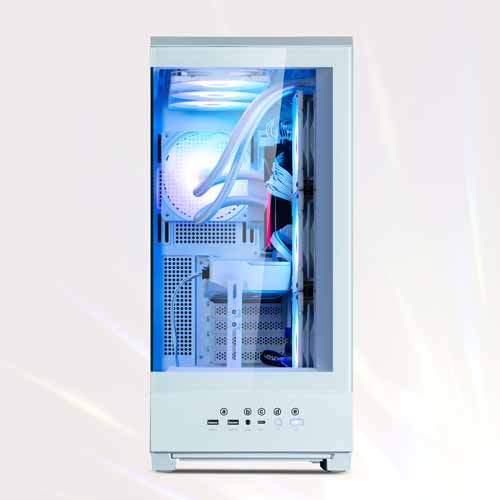
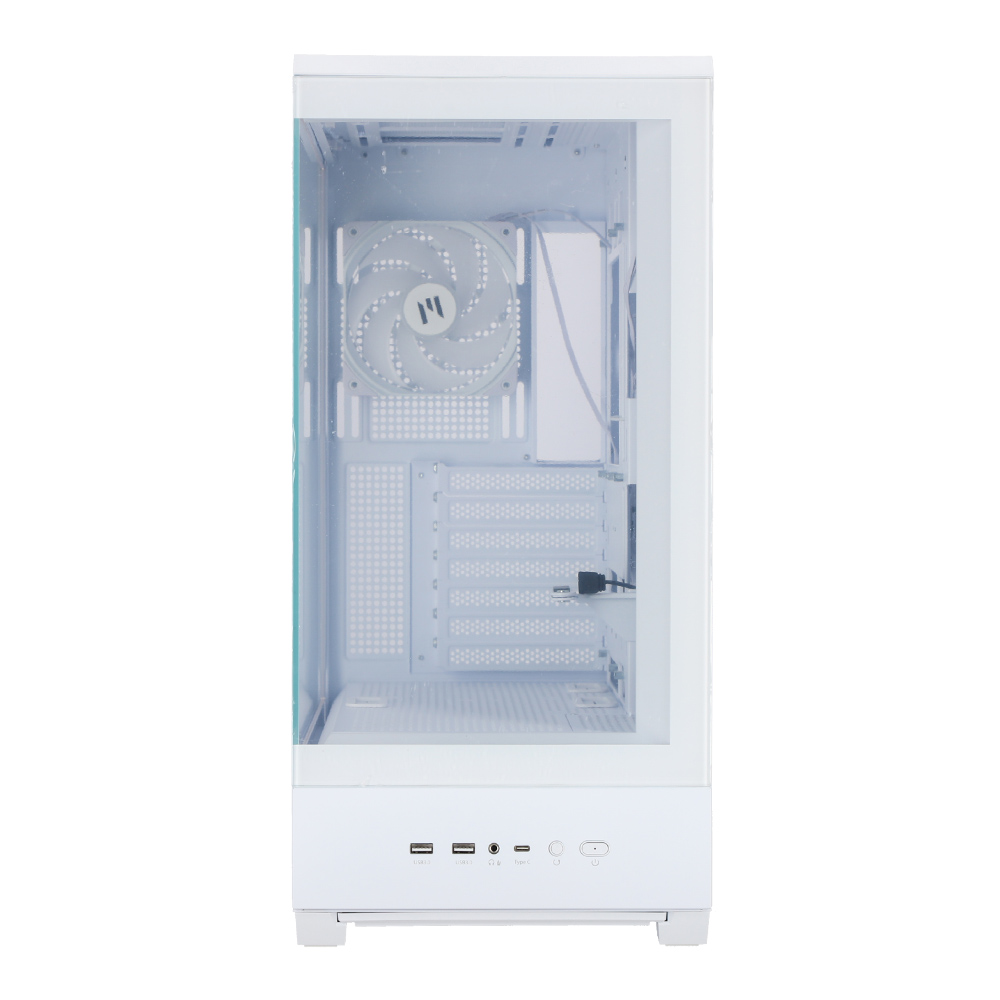
Easy accessible I/O ports
a. USB 3.0
b. Microphone / Headphone Jack
c. USB Type-C
d. Reset Button
e. Power Button
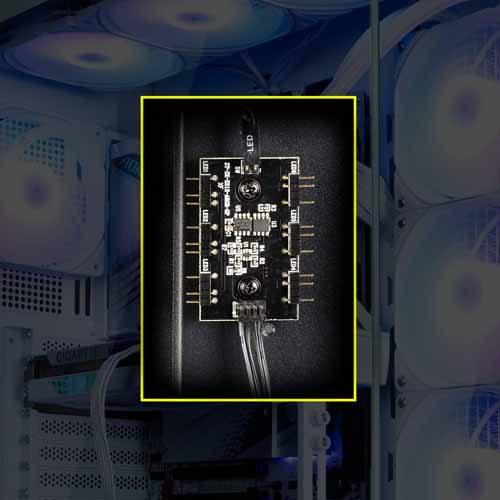
ARGB controller
RGB control hub and top control button enable variety RGB effects. Connect to motherboard 5v RGB pin header to create various RGB modes.
※How to use ARGB controller
- Press the I/O LED button to change the LED pattern and color.(26 patterns)
- Press and hold the LED button for 3 seconds to sync the motherboard after the white light flashes once.
- Press and hold the LED button for 6 seconds to turn off the LED after the white light flashes twice.
- Press the LED button again to disconnect the motherboard sync and change the controller mode.
รูปภาพทั้งหมดมีวัตถุประสงค์เพื่อเป็นภาพประกอบเท่านั้น / All images are for illustrative purposes only.
Source : Zalman P50 DS WHITE
All images are for illustrative purposes only.
The model you're viewing against close alternatives JIB picked
Must-have products